POSE
CUDEM+IVERT
🤗 Welcome to our CUDEM/IVERT POSE Project
An Open-Source Framework for Rapid Development and Validation of High-Accuracy Digital Elevation Models
Highlights
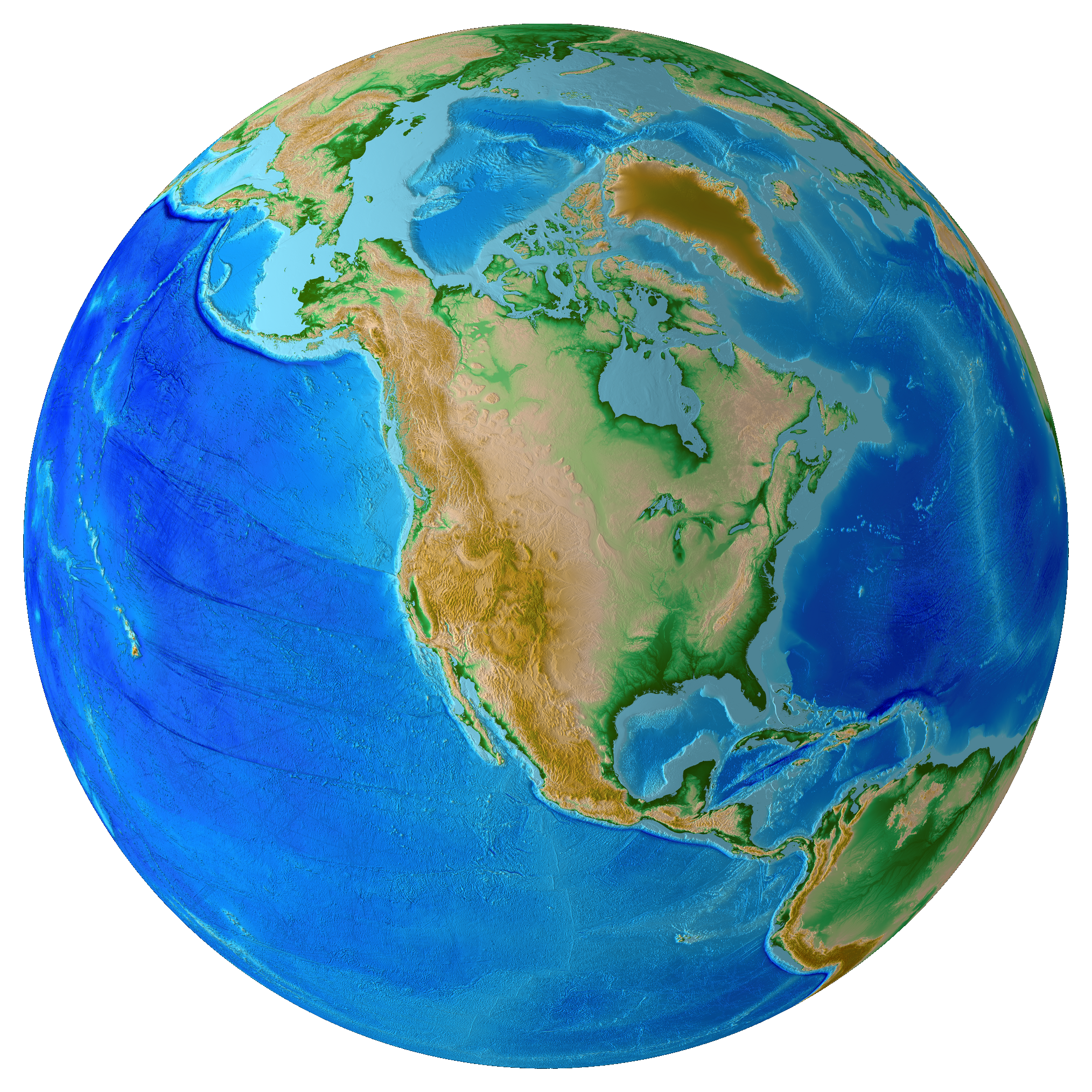
- Funded by the National Science Foundation, this project aims to scope and plan a sustainable Open-Source Ecosystem (OSE) around the CUDEM and IVERT software packages.
- The project focuses on drafting a long-term governance framework, expanding documentation, and establishing best practices to support a growing community of users and contributors.
- The team is actively hosting community workshops, virtual meetings, and student training sessions to gather feedback and democratize access to high-accuracy coastal elevation modeling tools.
- By hardening these tools for wider public use, the project directly supports disaster prevention, infrastructure planning, and climate resilience efforts across public and private sectors.
- Our software includes CUDEM, a suite of tools for fetching public data, processing point clouds and rasters, gridding via various interpolation algorithms, and transforming datums.
- Our companion software IVERT porvides a command-line tool that rapidly validates raster DEMs against NASA’s ICESat-2 photon data by masking and filtering unreliable areas (e.g., water, buildings), performing automatic datum transformations, and generating detailed statistical reports and error maps.
Links
- CUDEM - FOSS DEM generation suite.
- IVERT - Validation of DEMs using IceSat2.
- NSF POSE - NSF POSE Award Overview.
- Zulip Channel - Join our Zulip Channel to connect and engage with us.
Get Started
Interested in getting started building your first high-resolution DEM? Here is an example to generate a DEM from high-resolution coastal DEMs of New Orleans:
First, install the CUDEM software.
Next, run this waffles command (running waffles —help will give a brief explainer of what all these command-line options do) and it’ll automatically download the datasets needed from the CUDEM fetches module (you can run fetches --help to see all supported dataset modules!) of the New Orleans area, and from that data will generate a brand-new DEM at 1/9-arc-second (~3 m) resolution.
waffles -Rloc:"new orleans" -E.1s -Onola -Mcubic CUDEM

This will output a DEM file named ‘nola.tif’ generated by merging the existing CUDEM high-resolution coastal models into a single DEM of New Orleans.
If you want to visualize that DEM, use CUDEM’s perspecto hillshade module to create a color-coded hillshade using the ‘wiki-2.0’ color palette from CPT-City (as with our other cli tools perspecto --help will give a brief description of its options):
perspecto nola.tif -Cwiki-2.0 -Z0
If you’d like to learn more, check out more in-depth CUDEM Github tutorials 1 2 and the various modules available.
Feel free to ask questions in our Zulip chat space! And/or, fill out this Google form so the DEM team can get in touch with you.